> ## Documentation Index
> Fetch the complete documentation index at: https://docs.kollie.ai/llms.txt
> Use this file to discover all available pages before exploring further.
# Introduction
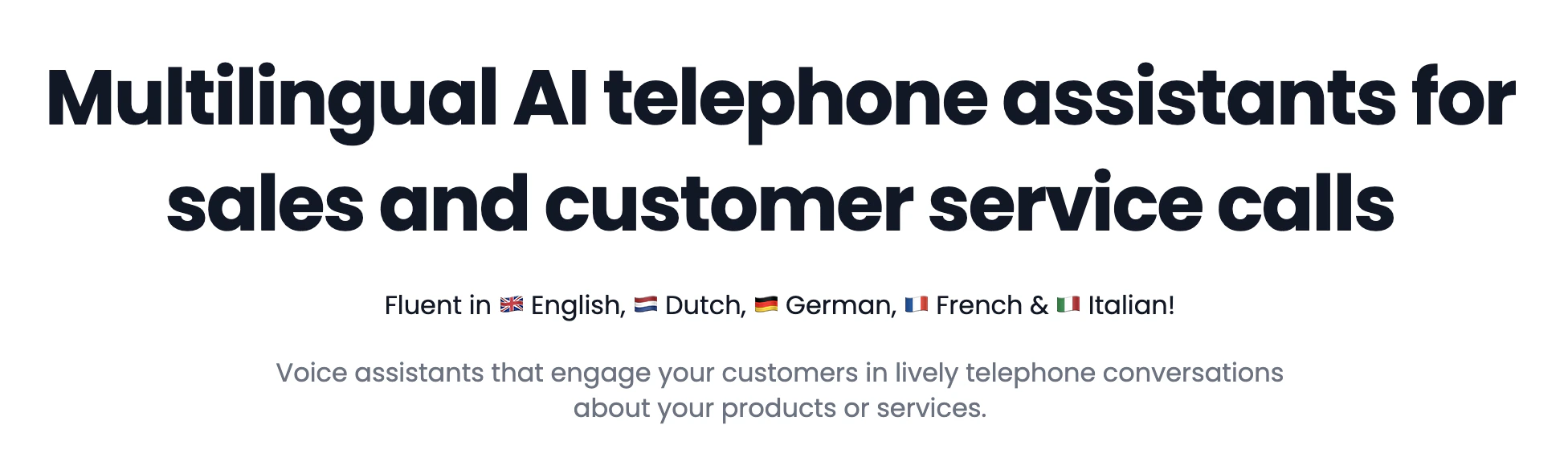
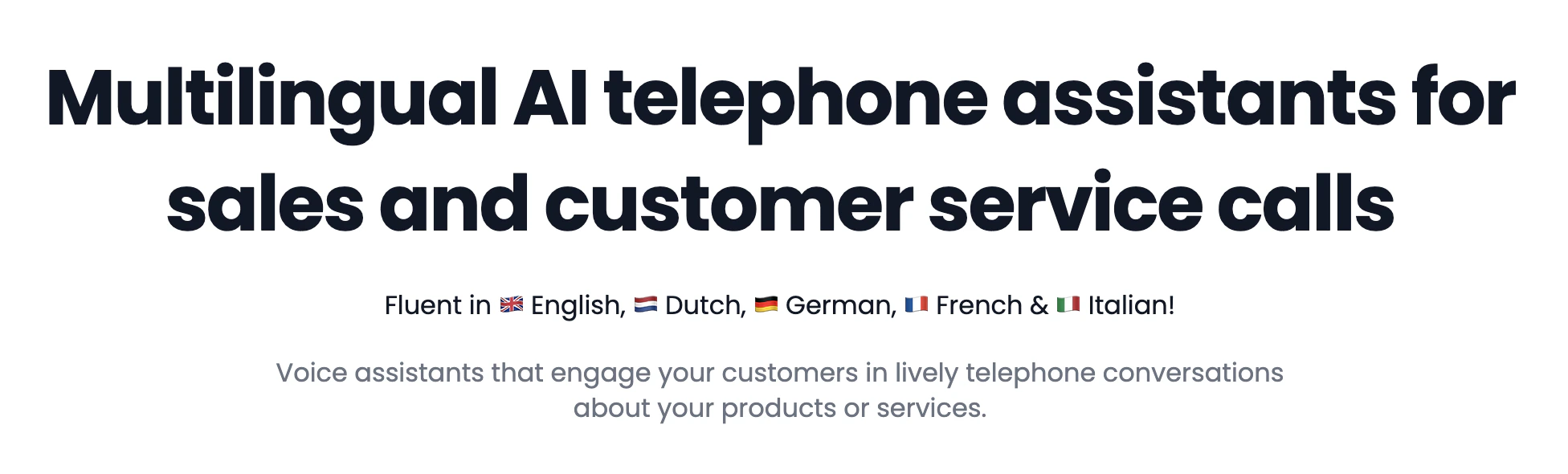
> Kollie AI is a platform for AI telephone calling. Using our API, you can easily make phone calls with a programmable voice agent.
 ## Setting up
The first step to world-class documentation is setting up your editing environments.
Get started with Kollie AI in minutes
## Setting up
The first step to world-class documentation is setting up your editing environments.
Get started with Kollie AI in minutes